
30 October 2026 · Product Update
The FindFST Engine: From a Nameplate Photo to a Matched Technician
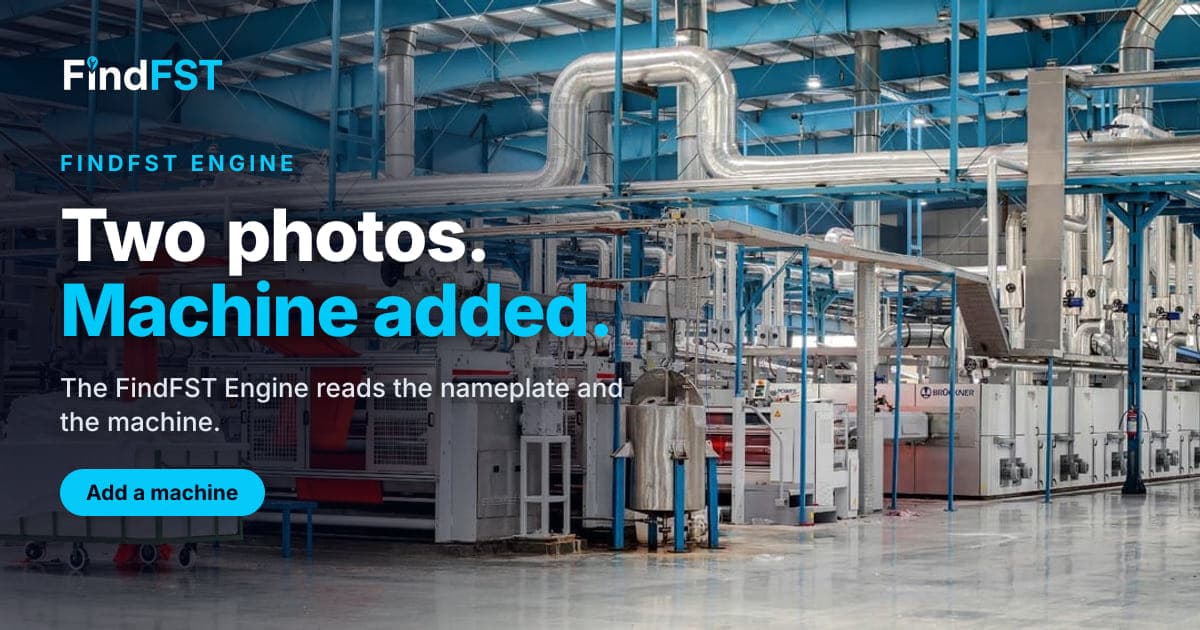
The FindFST Engine is the part of FindFST that reads, drafts and matches. It runs on Google Gemini models, and there is no charge per read, draft or match. It suggests and you decide: nothing changes on a mission or a profile until you click.
For companies
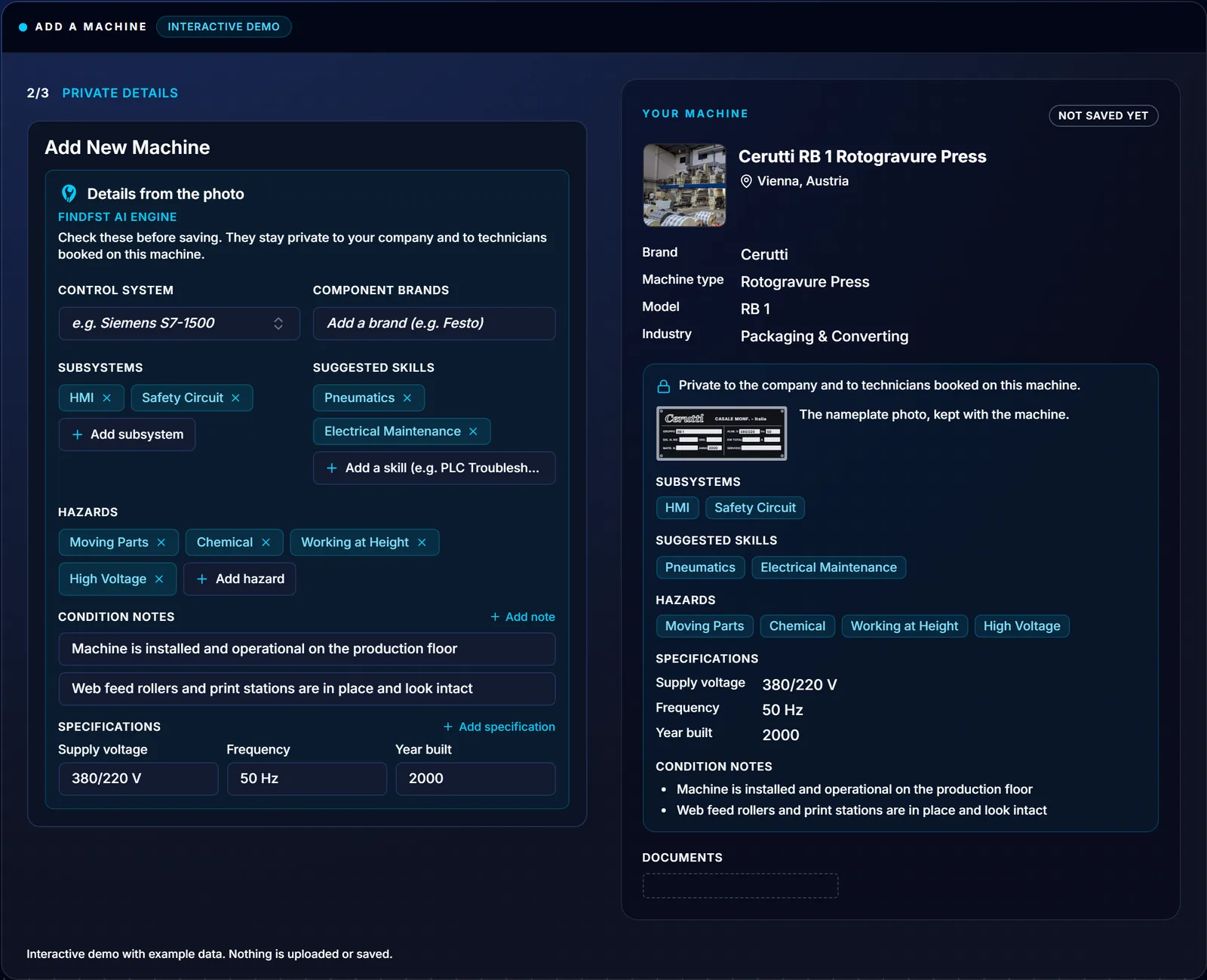
Add a machine from two photos. From the nameplate and the machine, it fills in the name, brand, type, industry and model, each marked Check for you to confirm. The brand is kept exactly as printed, and serial numbers are not copied.
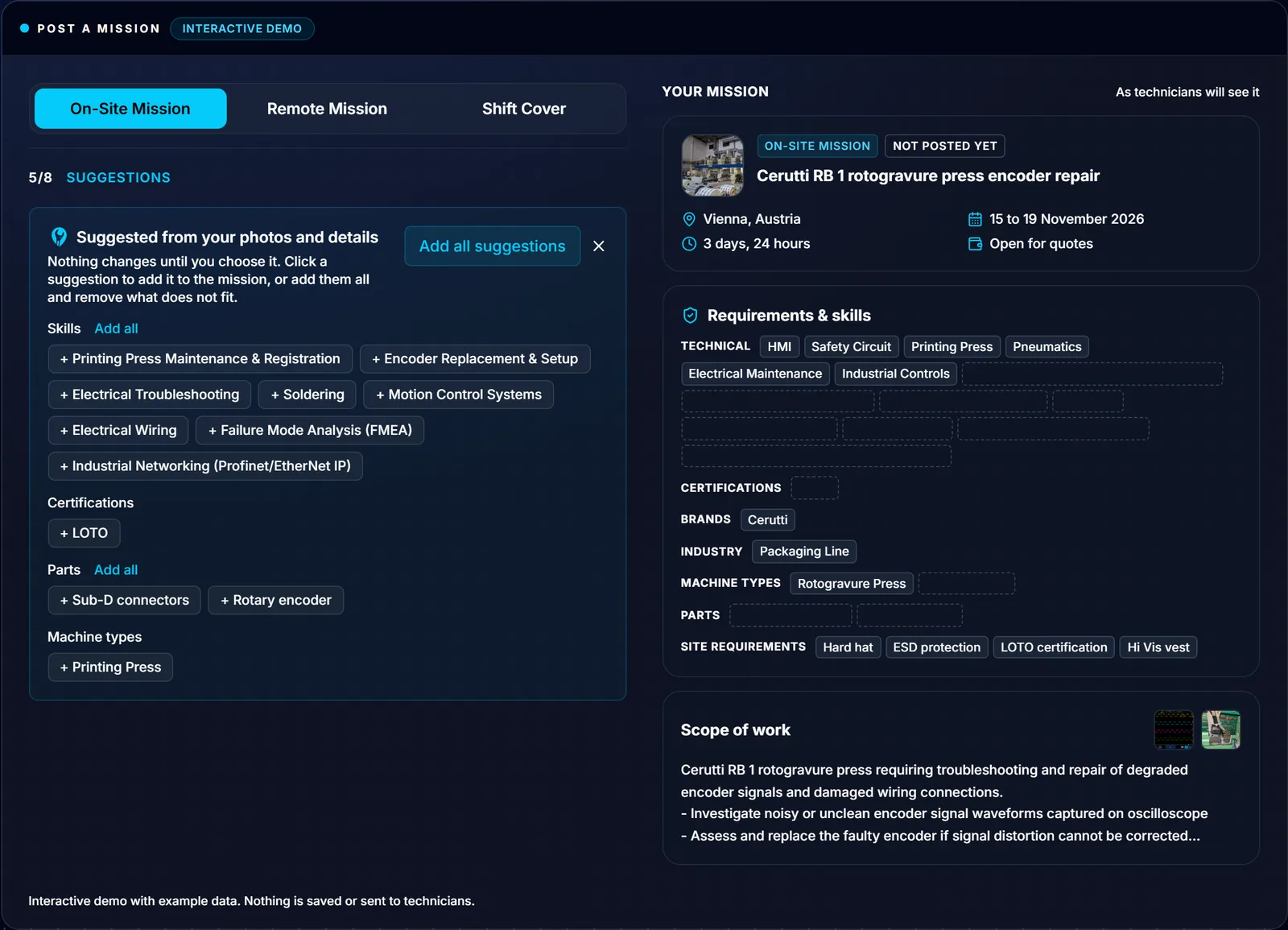
Draft the mission. It writes the title and description from your photos and notes, the machine and the schedule. It also suggests the requirements as chips you add one by one. You can refine the draft in plain words, up to 5 generations per mission.
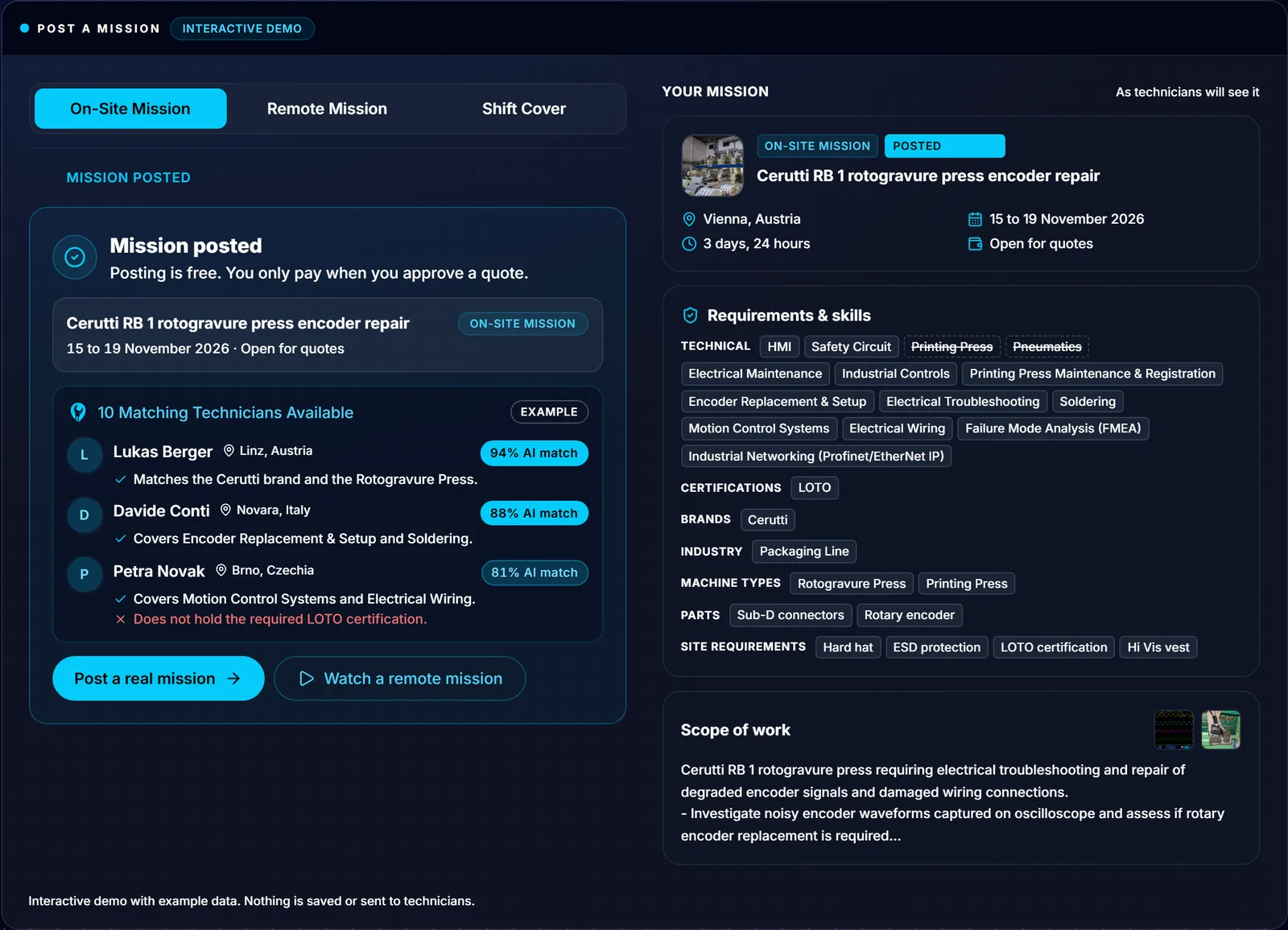
See who fits. Every match is scored from 0 to 100, with up to four reasons and up to four gaps.
For technicians
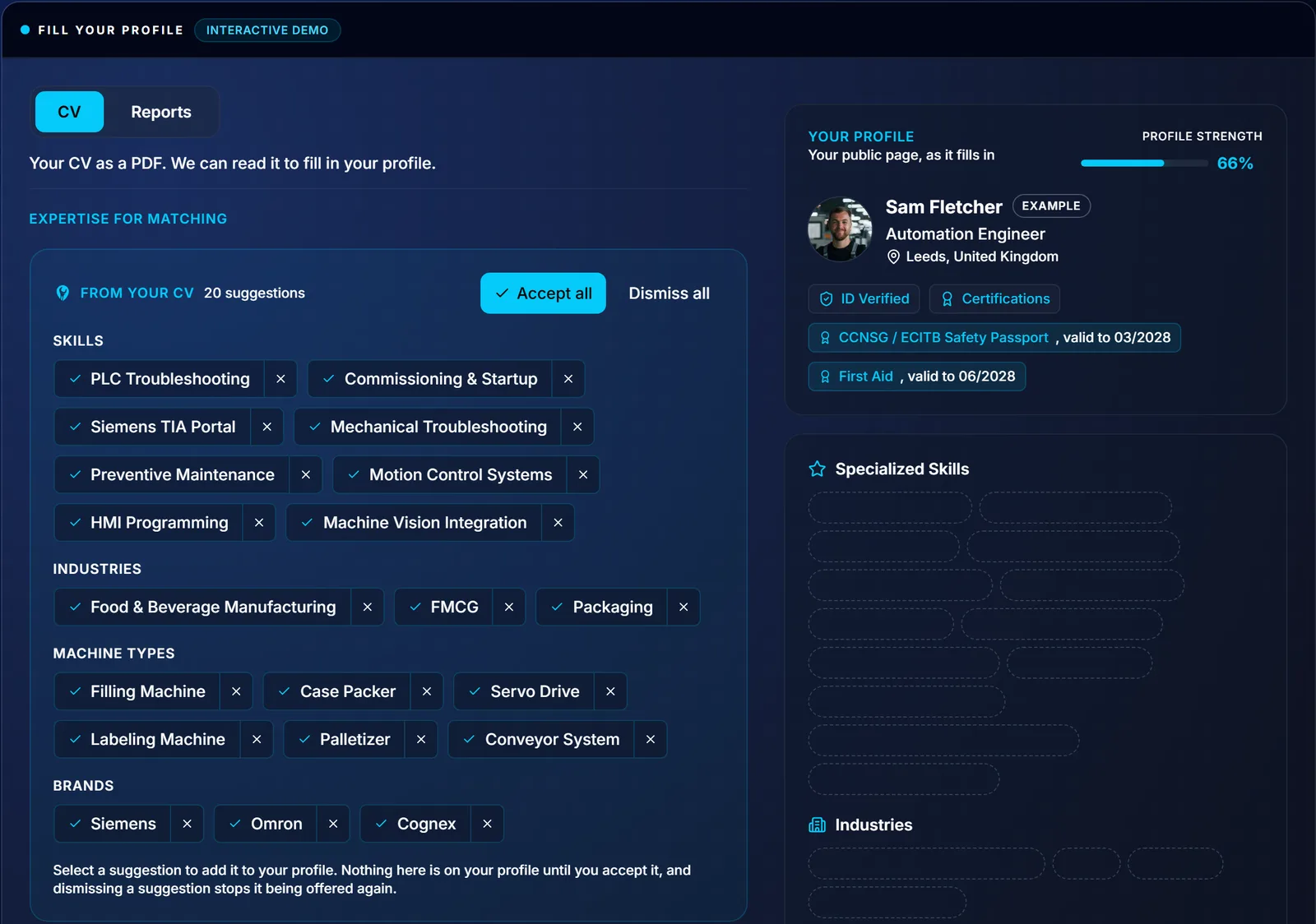
Upload a CV and past reports. It suggests skills, certifications, a bio and report summaries, and nothing reaches your profile until you accept it.
Upload a certificate. It reads the type, issuer, number and dates, and suggests an expiry when none is printed.
Browse missions. Each one shows your match score, and the list sorts by it.
How the score works
- Only structured profile data is scored, never free text or the bio, so writing more cannot raise a score
- Rating and completed missions appear in the reasons, never in the number, so being new does not mark a technician down
- Distance never changes the score
- Companies and technicians see the same number
- The same pair can score up to about 10 points apart between runs, so a difference of a few points means little
- The score is advice: no payment, booking or approval step reads it, and the company decides whom to invite
How it improves
Every completed mission is recorded against the match that led to it, and the engine is measured and tuned against those outcomes. The model does not retrain itself.
“‘PLC experience’ on a CV tells you very little. The engine scores the brands, machine types and certifications a technician lists, shows its reasons and its gaps, and leaves the decision with the company.”Neal Wareing, Founder and CEO of FindFST Sàrl
The FindFST Engine is included for every company and technician. See it at findfst.com/engine, or read how the matching works.