How it works
Complete walkthrough of every stage
1
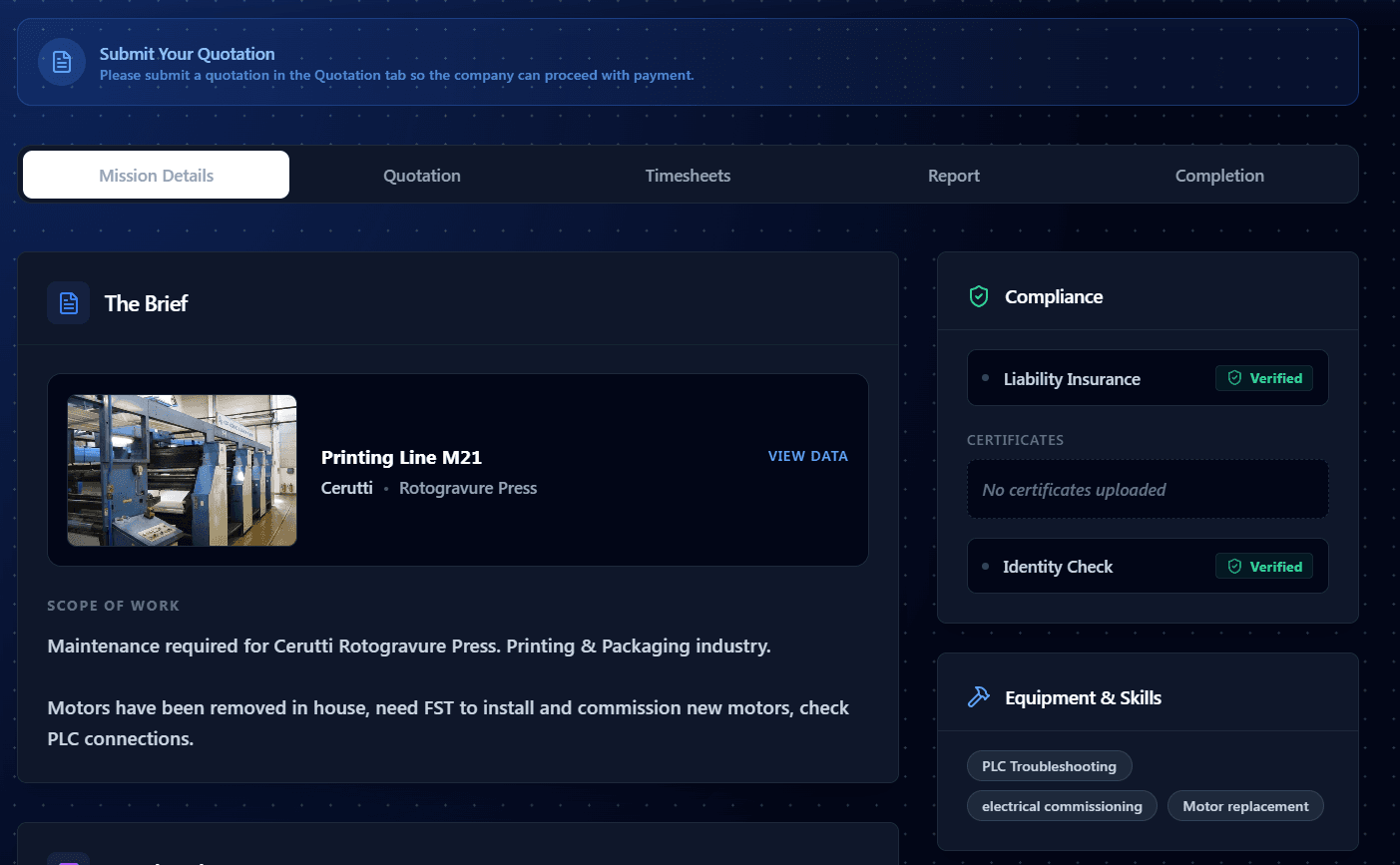
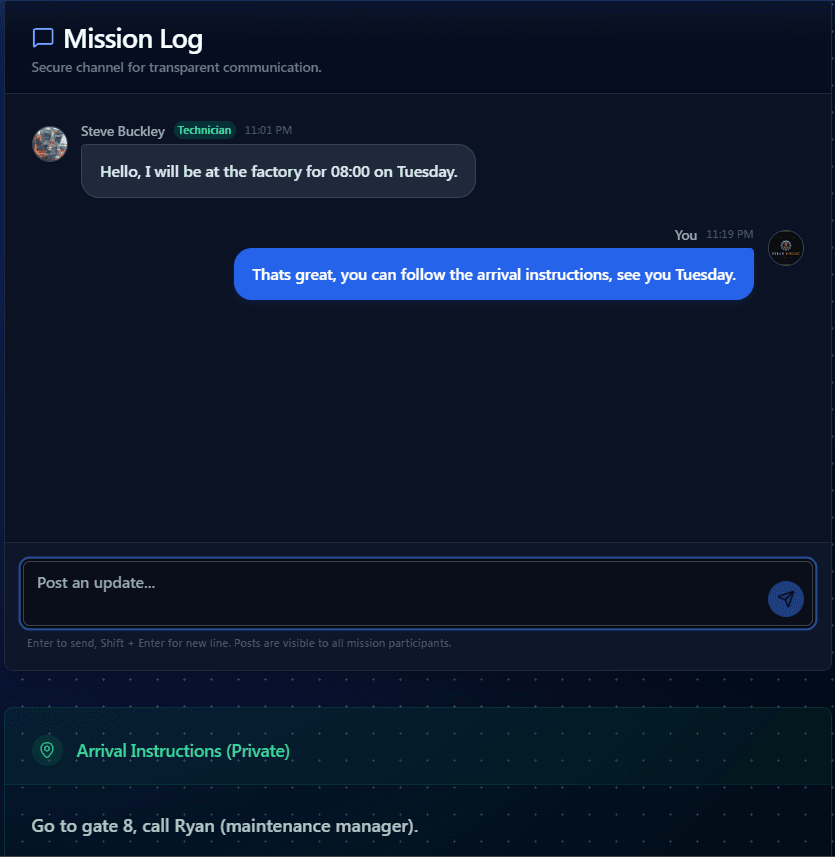
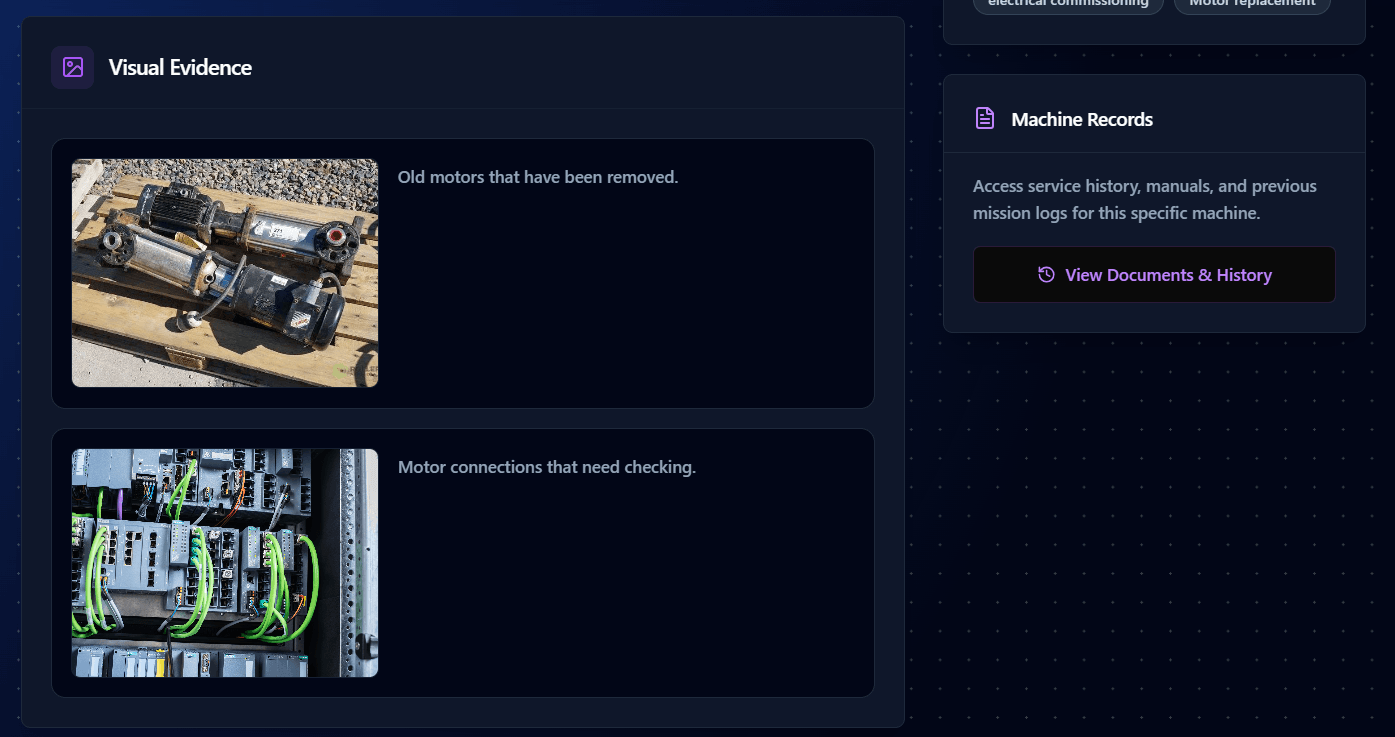
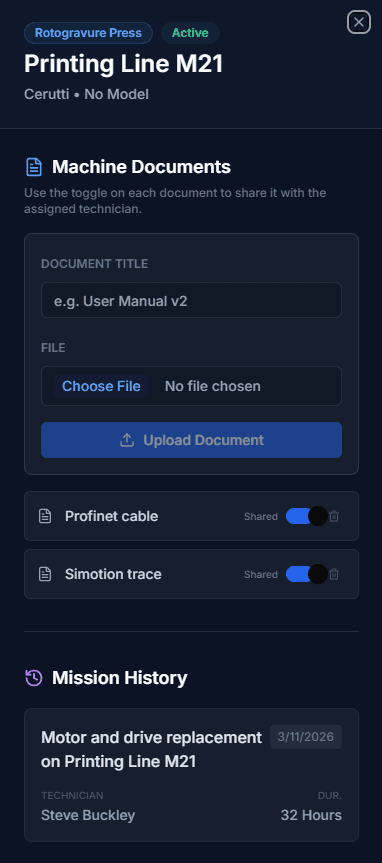
Mission Control
A shared workspace — documents, chat, and real-time updates.
2
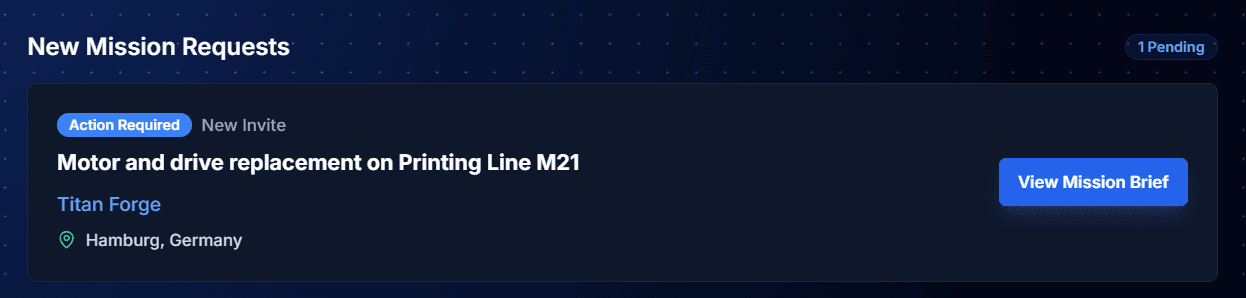
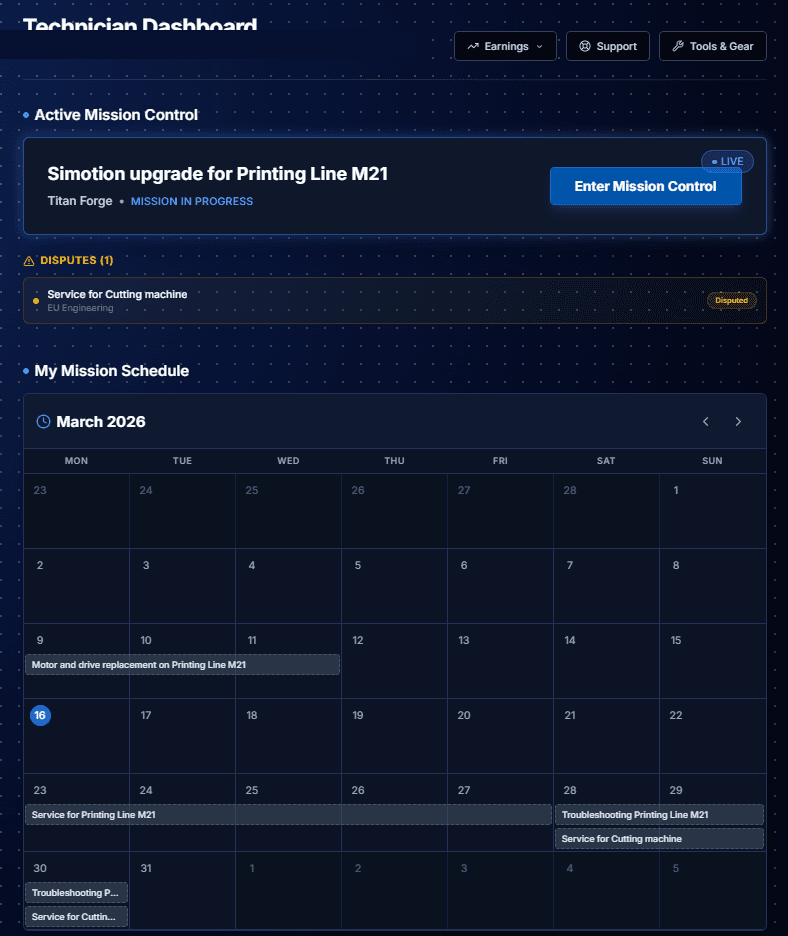
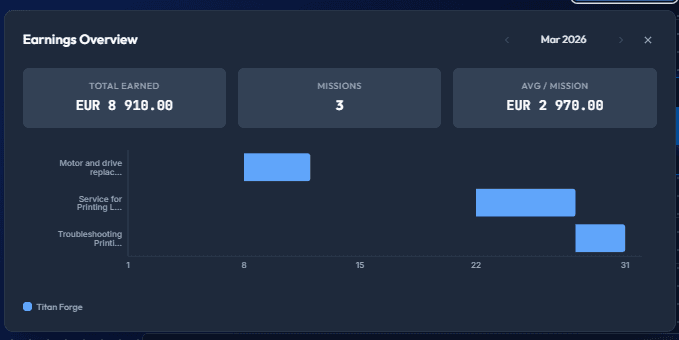
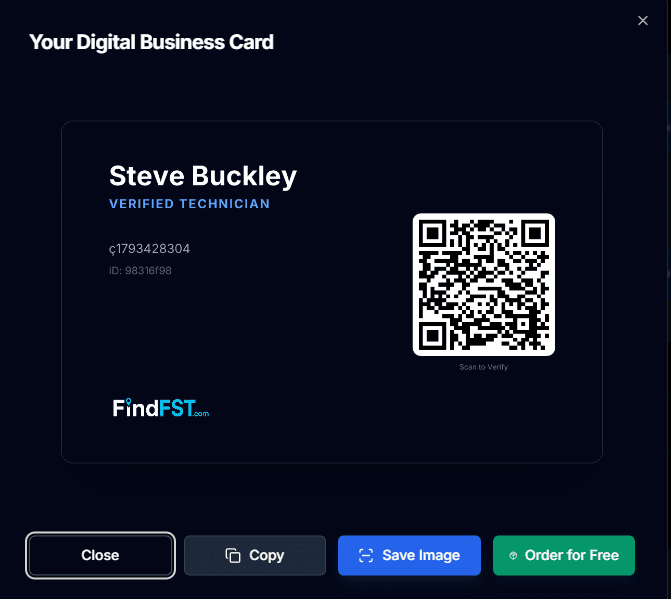
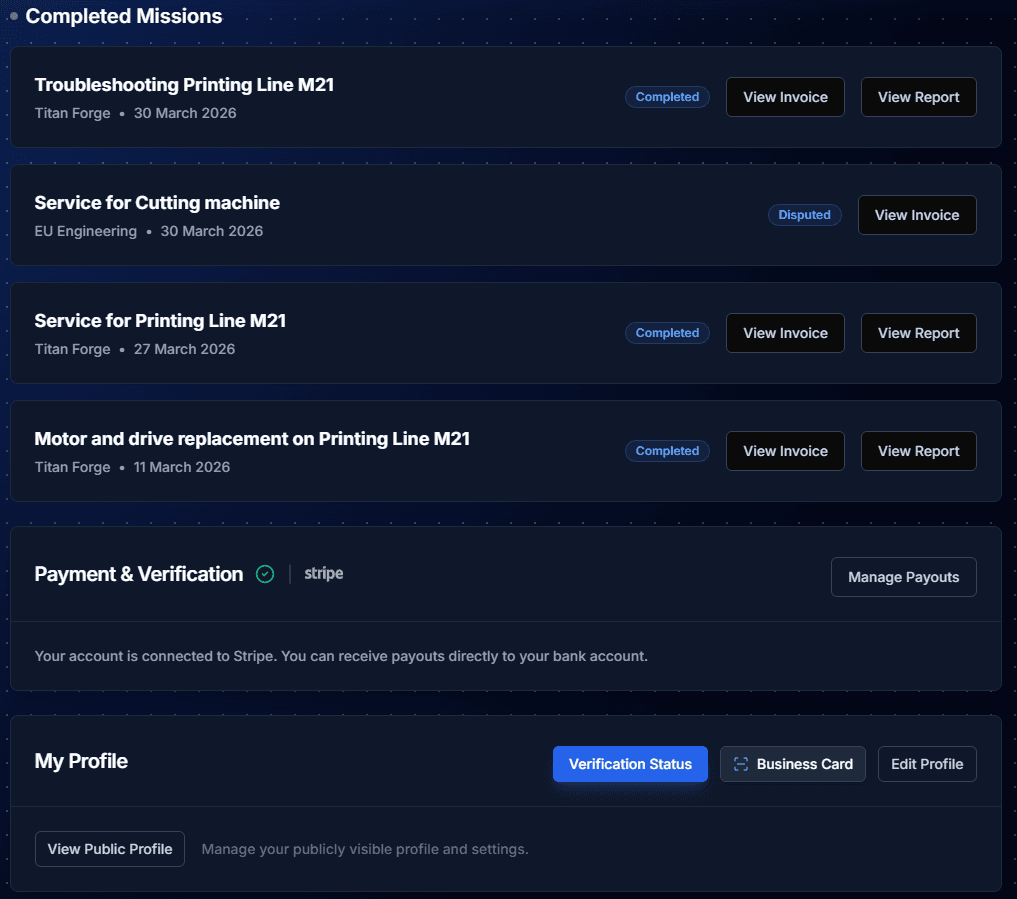
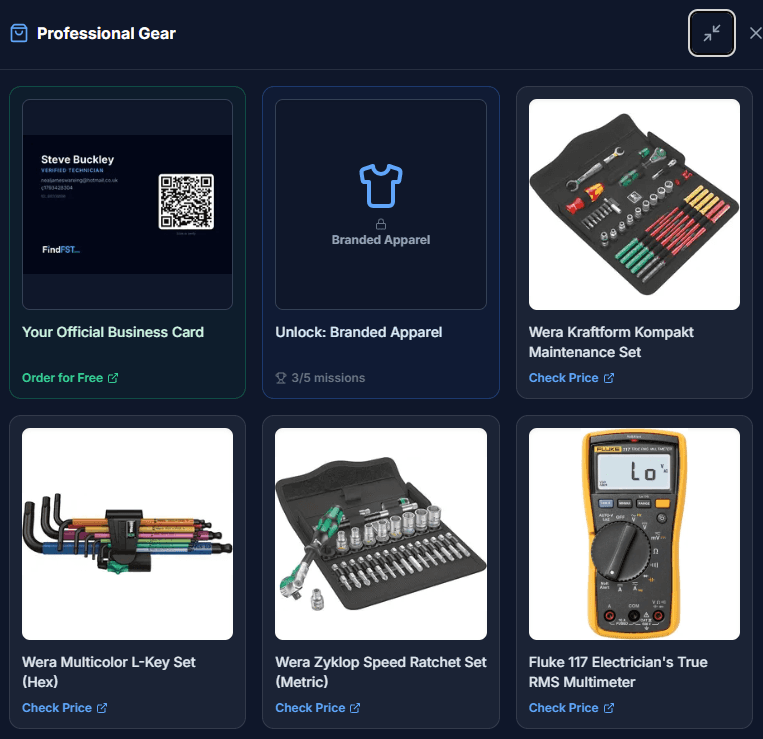
Technician Dashboard
Manage your calendar, earnings, gear, and mission requests all in one place.
3
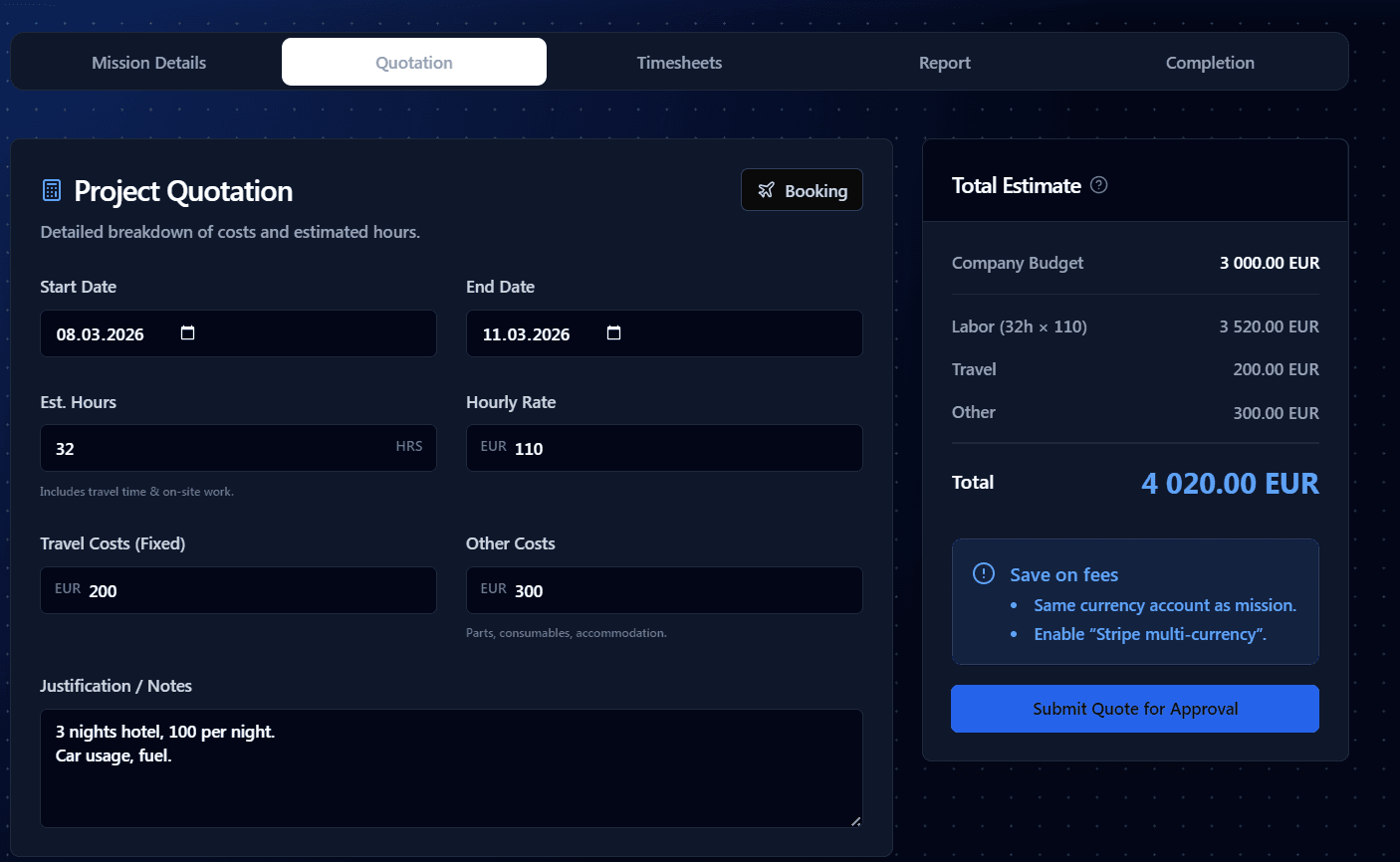
Approve Quotation and Pay
Review the technician's quote, approve it, and pay securely through Stripe.
4
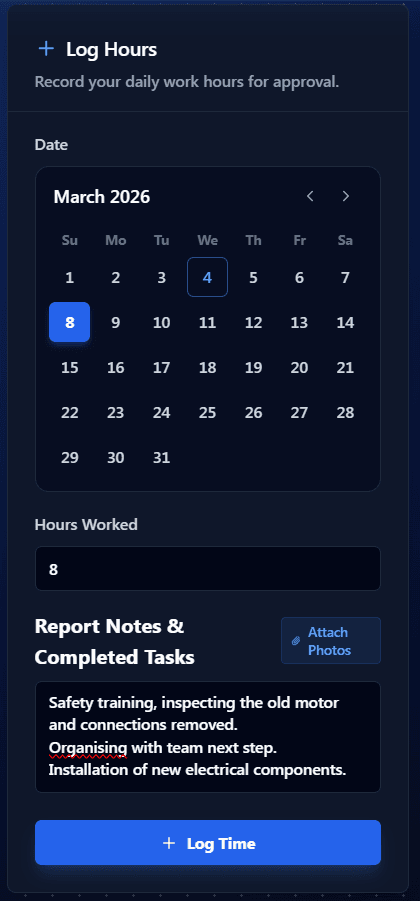
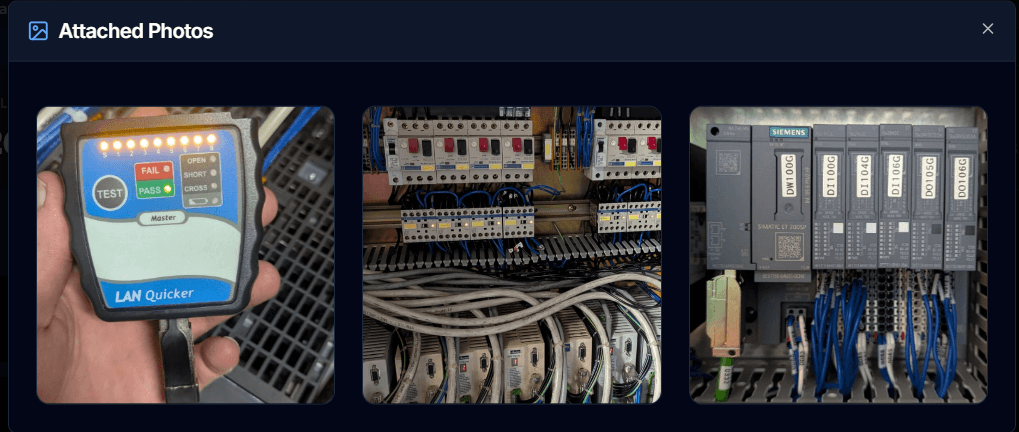
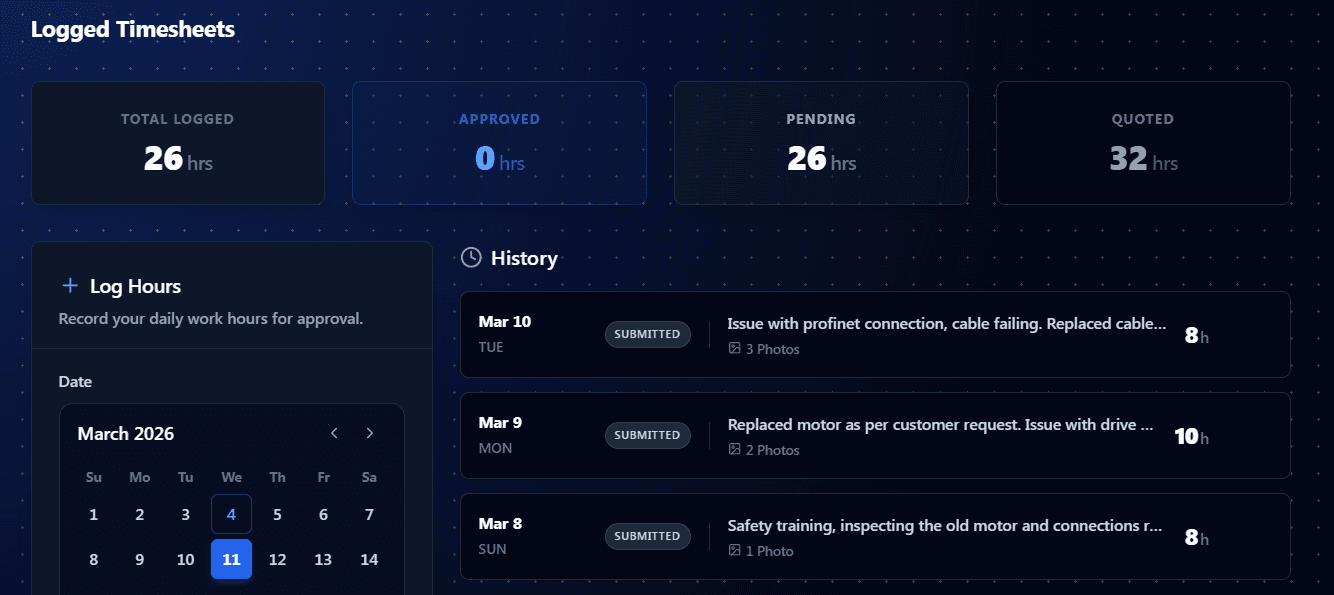
Approve Timesheets
Review logged hours and photos, then approve with a single click.
5
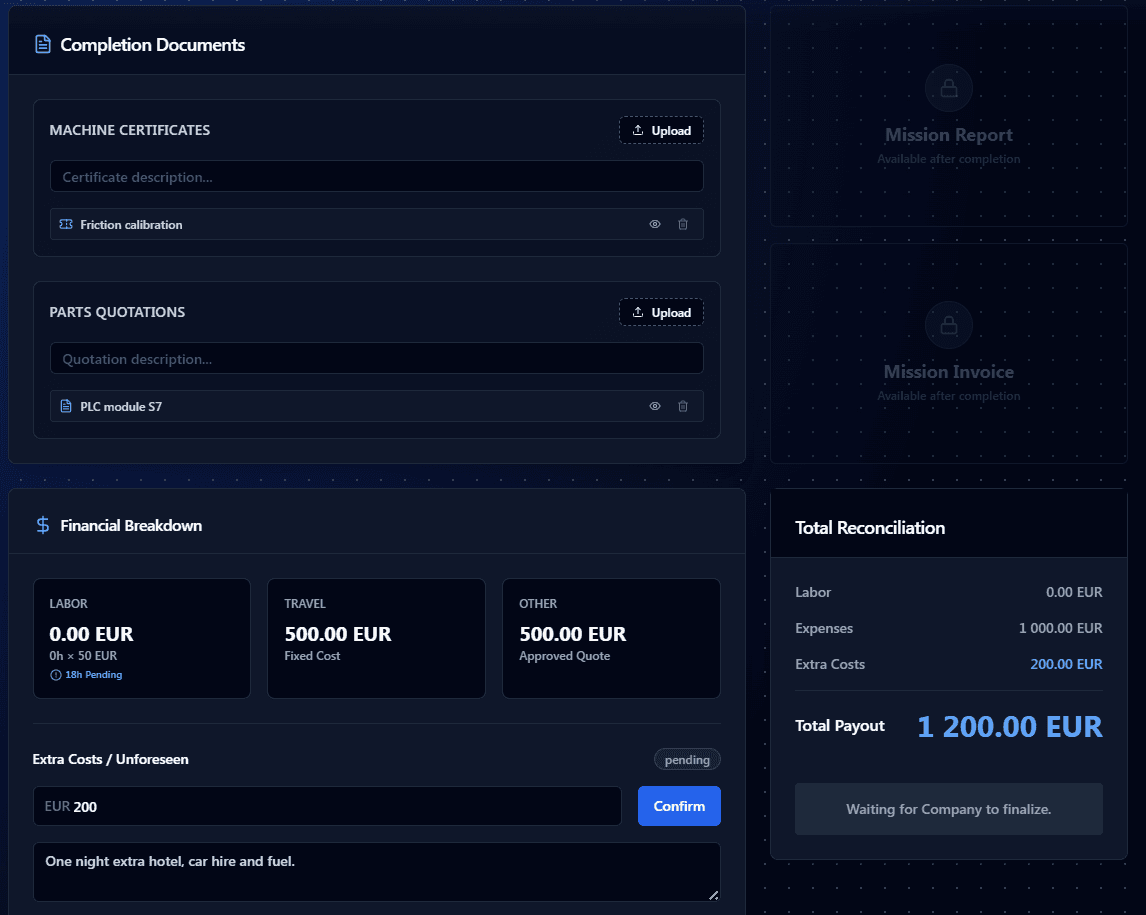
Finalize the Mission
Review all work, approve the final invoice, and close out the mission.
6
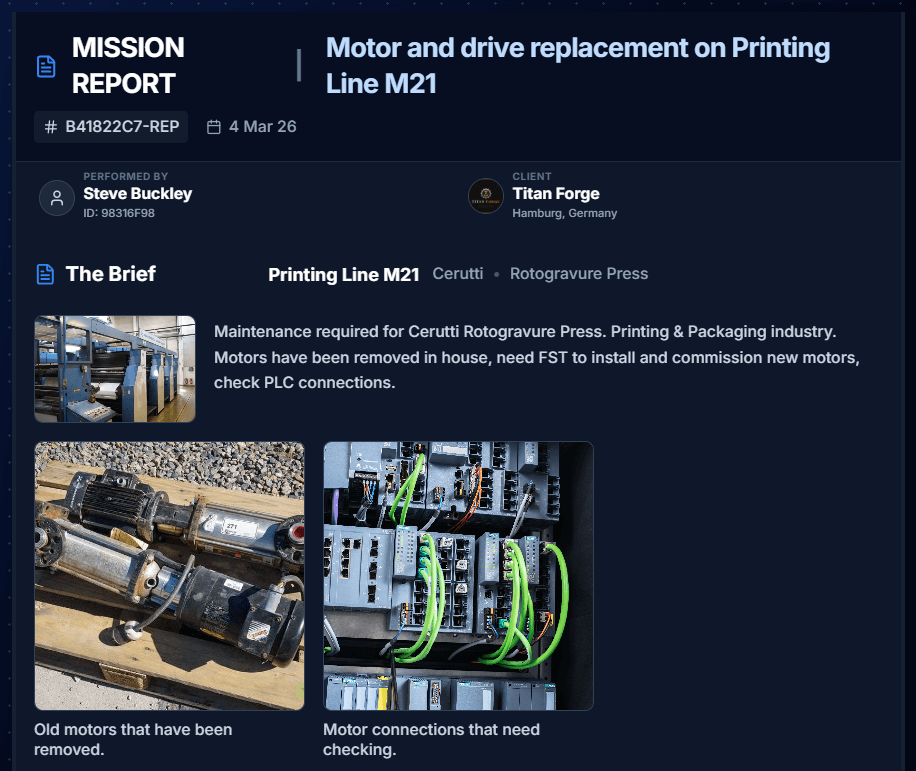
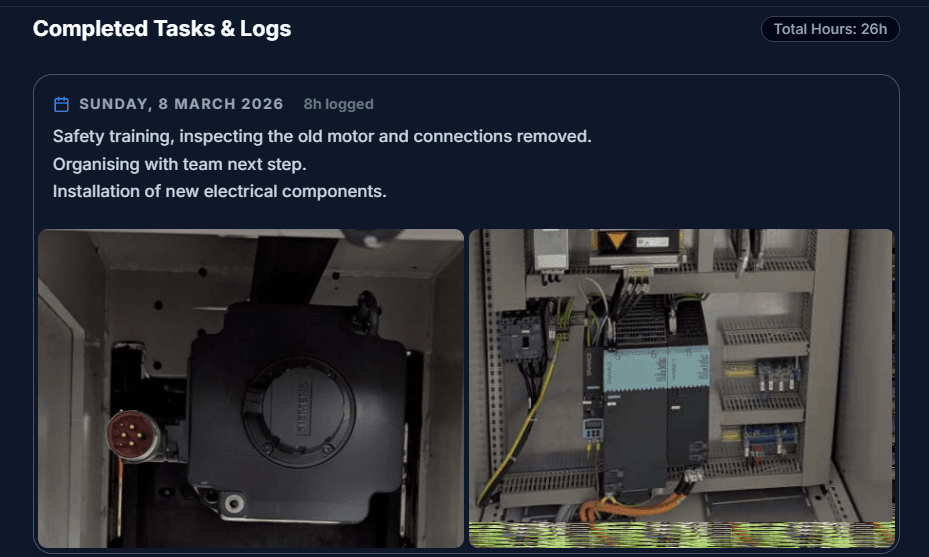
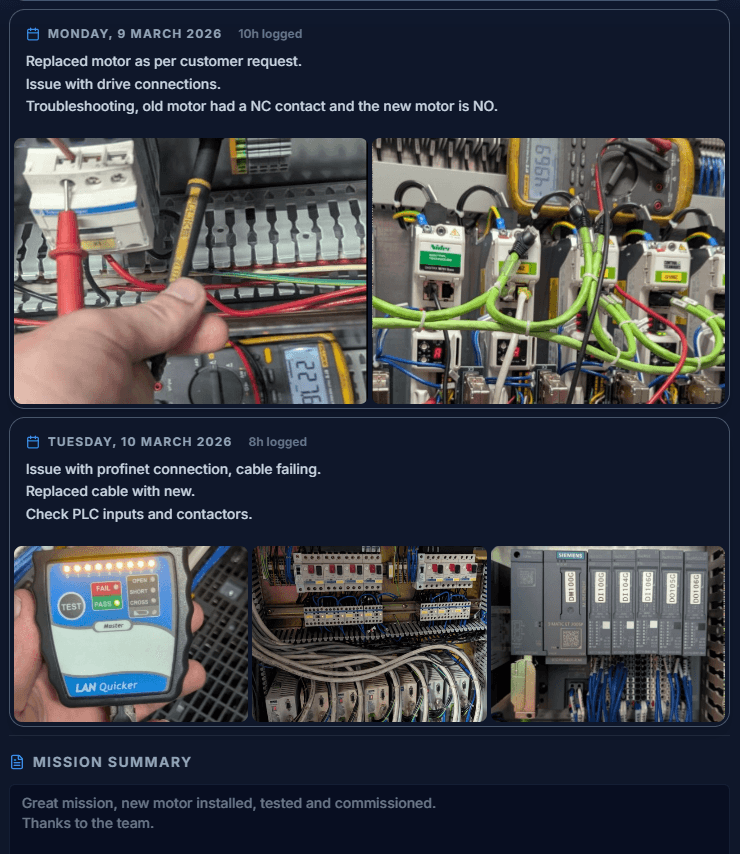
Mission Report
A complete exportable report with logs, findings, and summary.
7
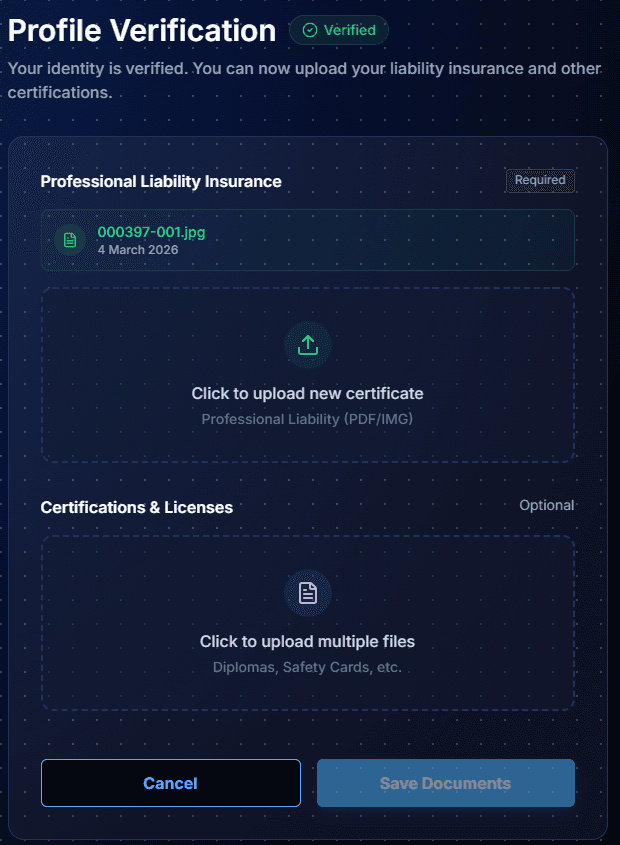
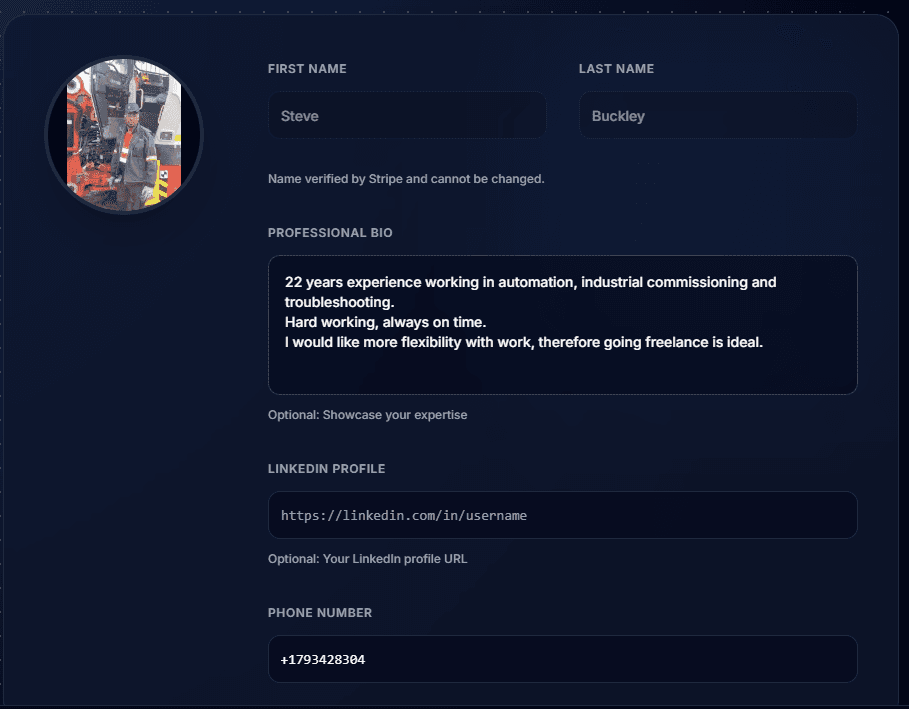
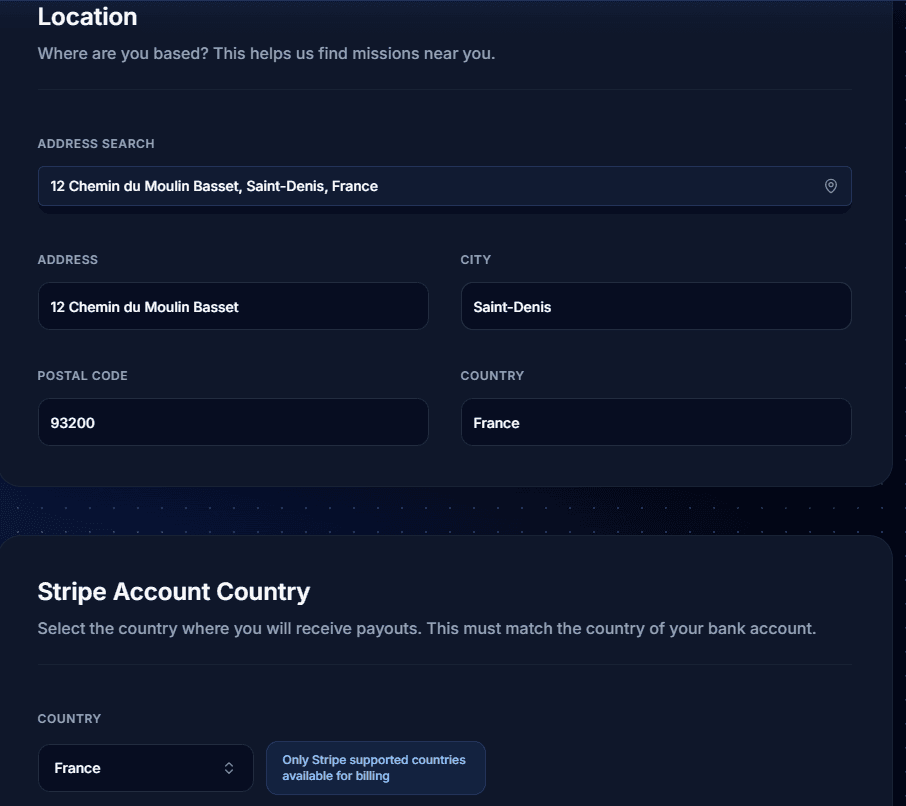
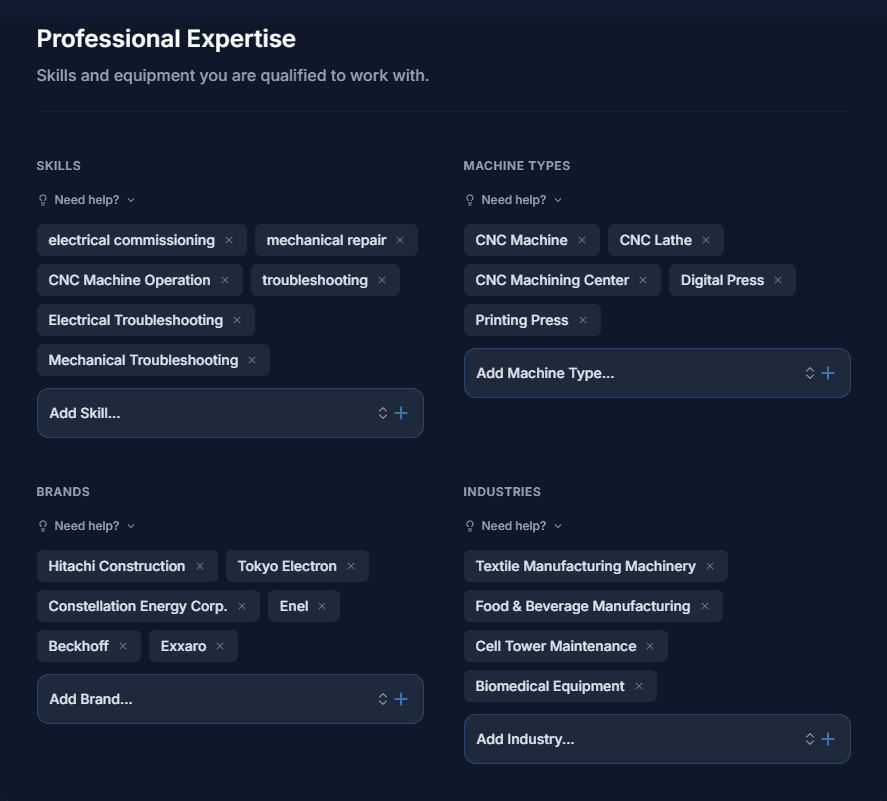
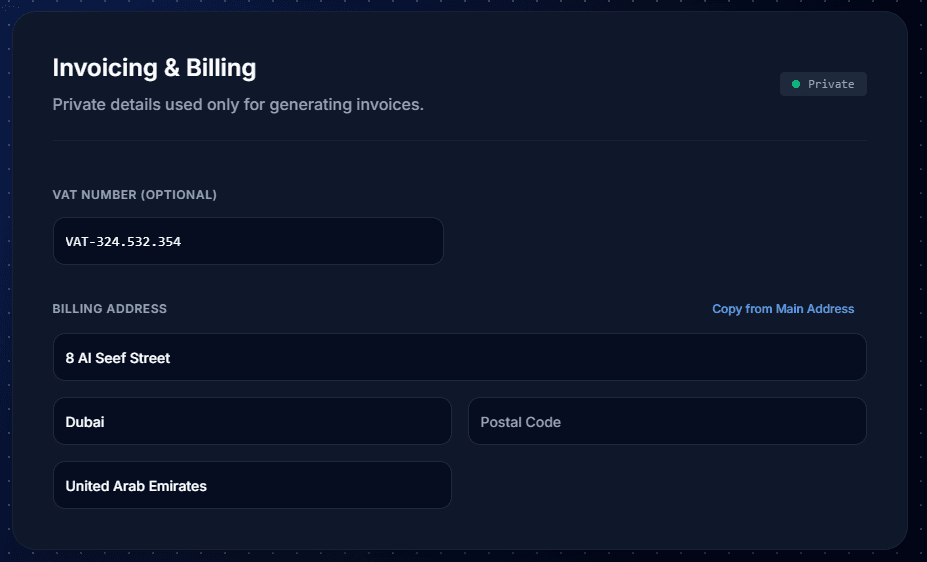
Technician Profile
Showcase your skills, certifications, service area, and invoicing details.
8
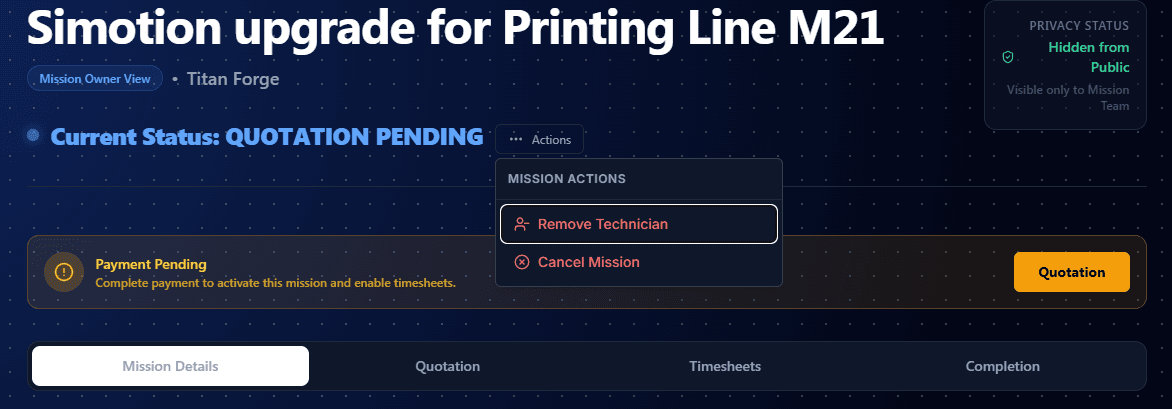
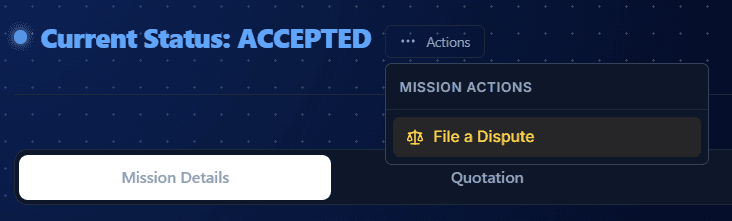
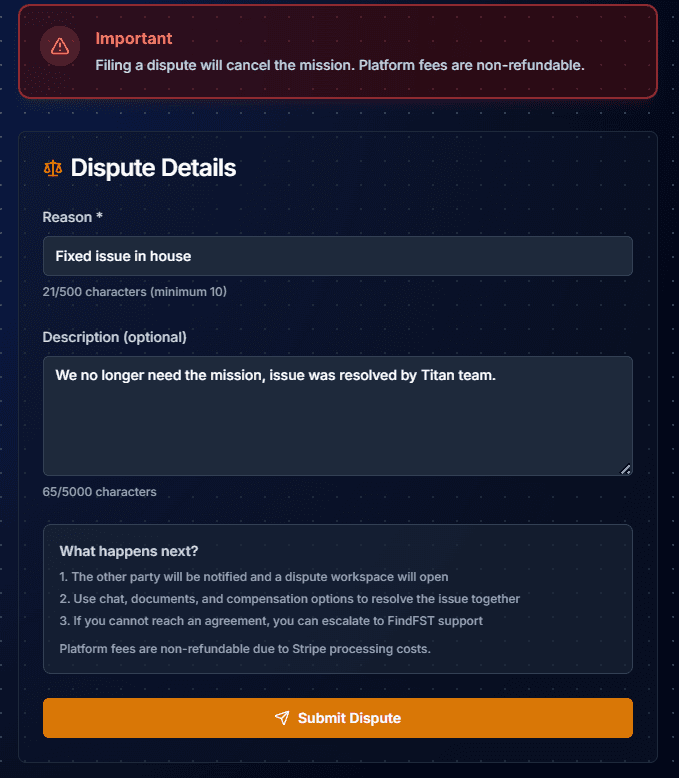
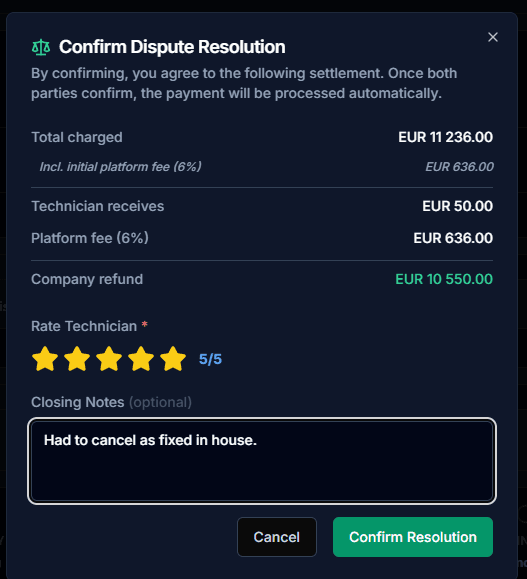
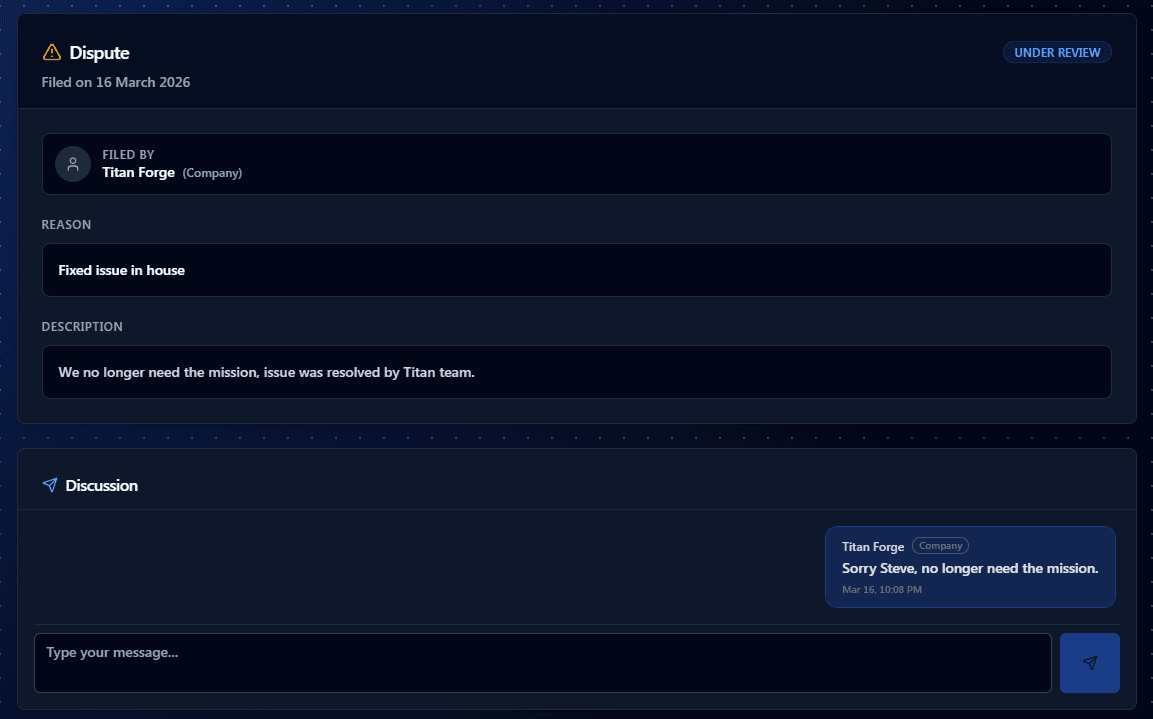
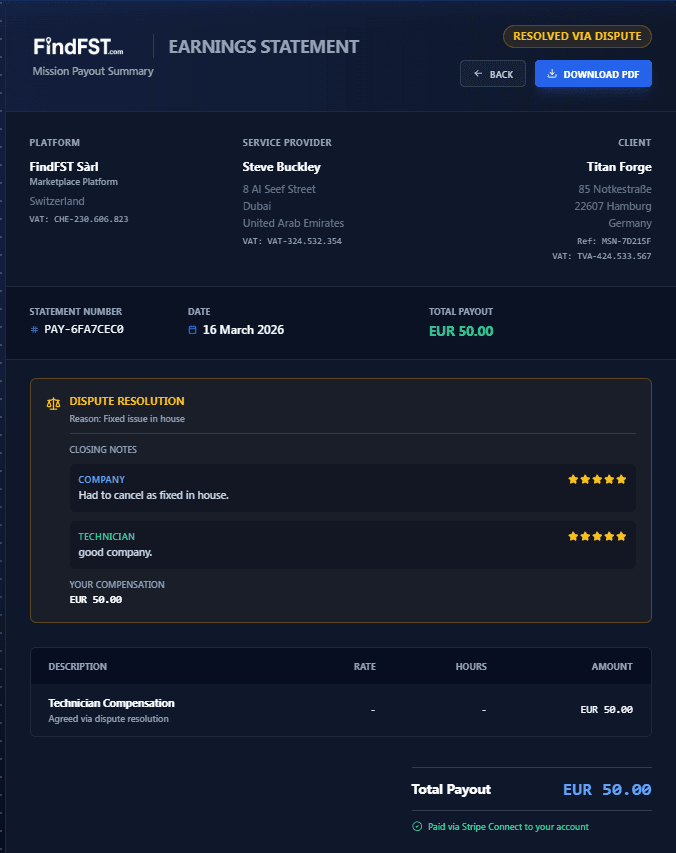
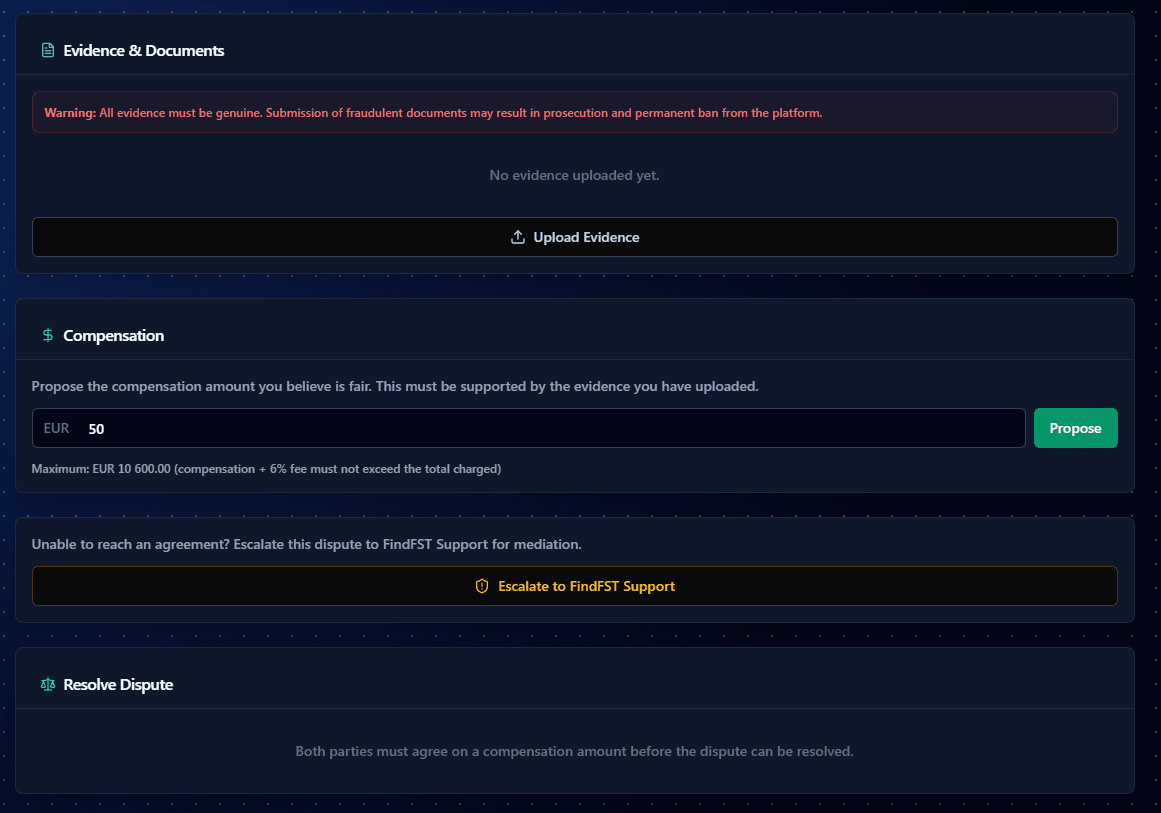
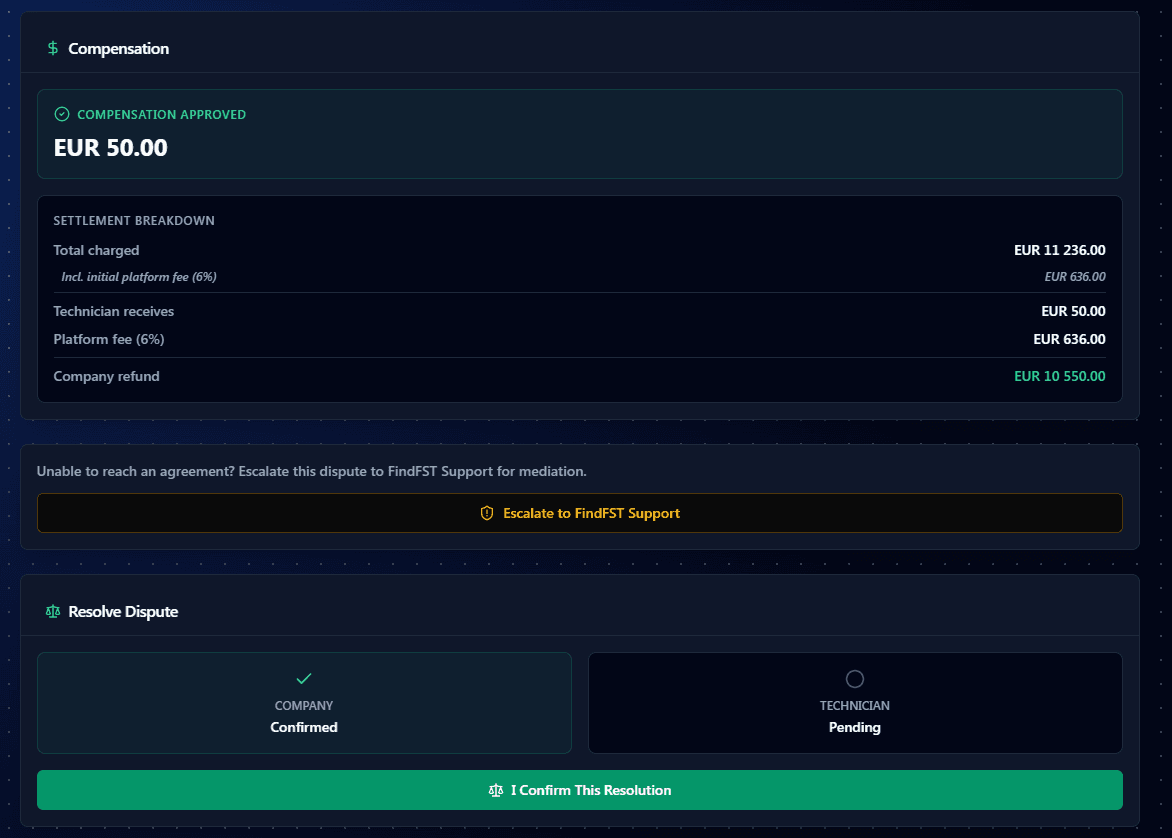
Dispute Resolution
File and resolve disputes with a transparent, structured process.
9
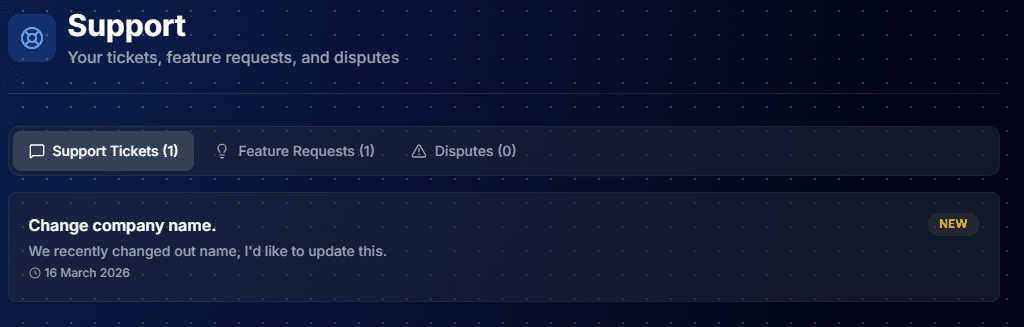
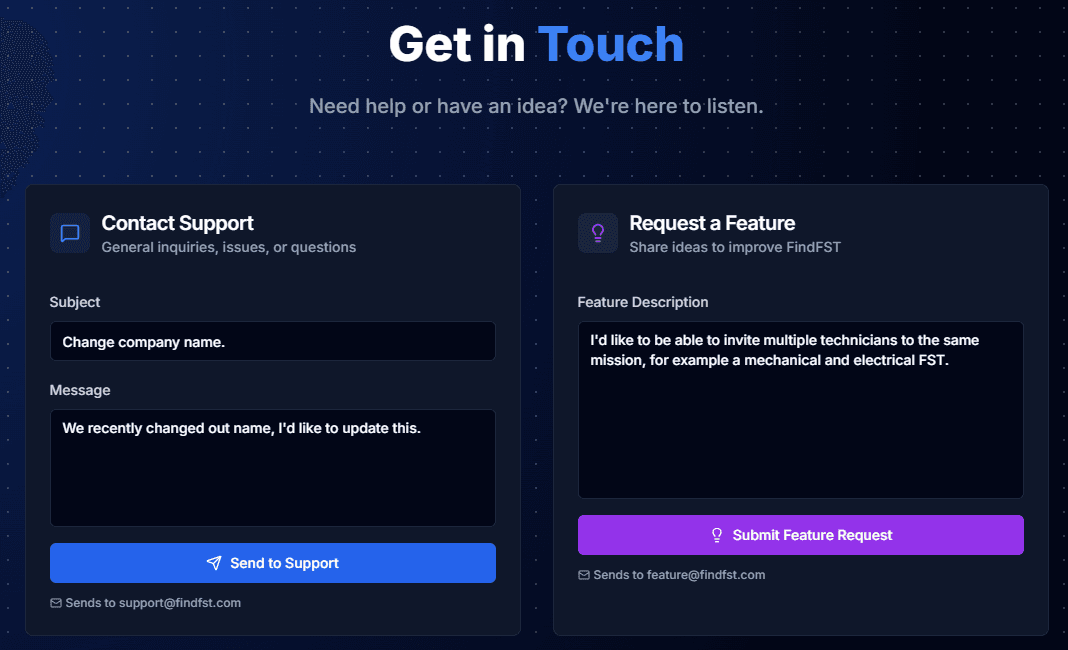
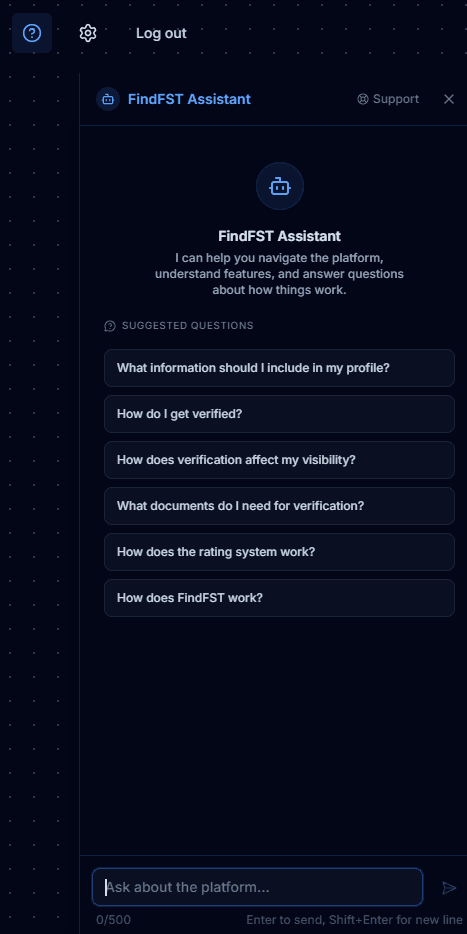
Support
Get help from FindFST's AI assistant or reach our team directly.
10
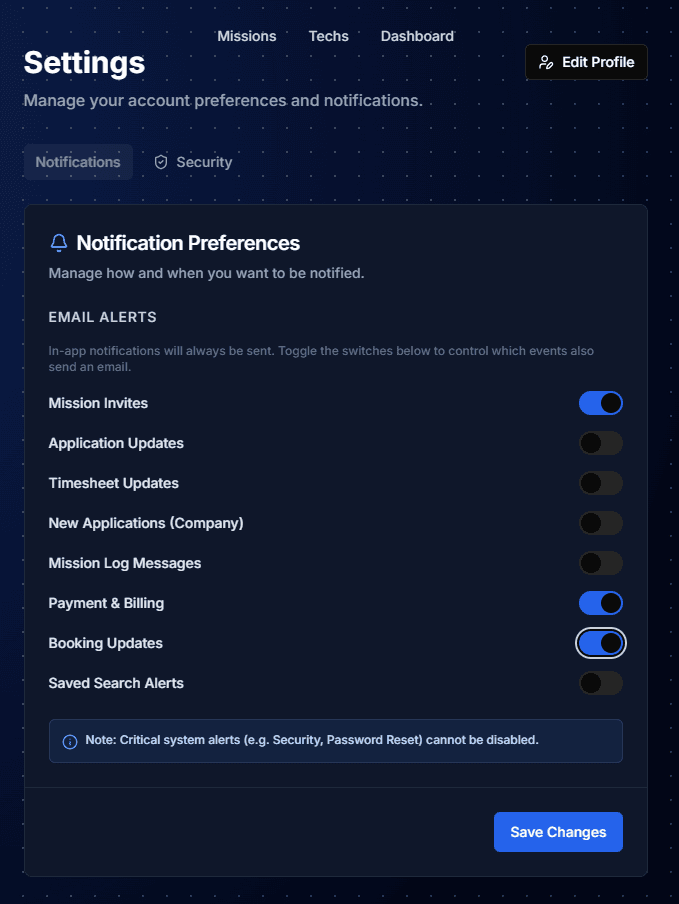
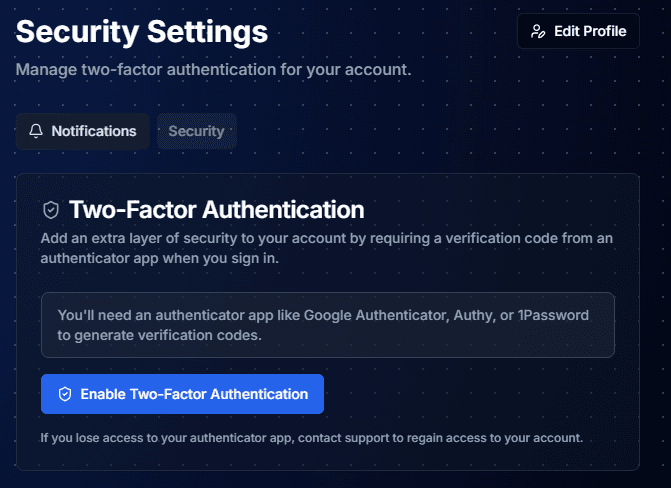
Settings
Configure notifications and secure your account with two-factor authentication.